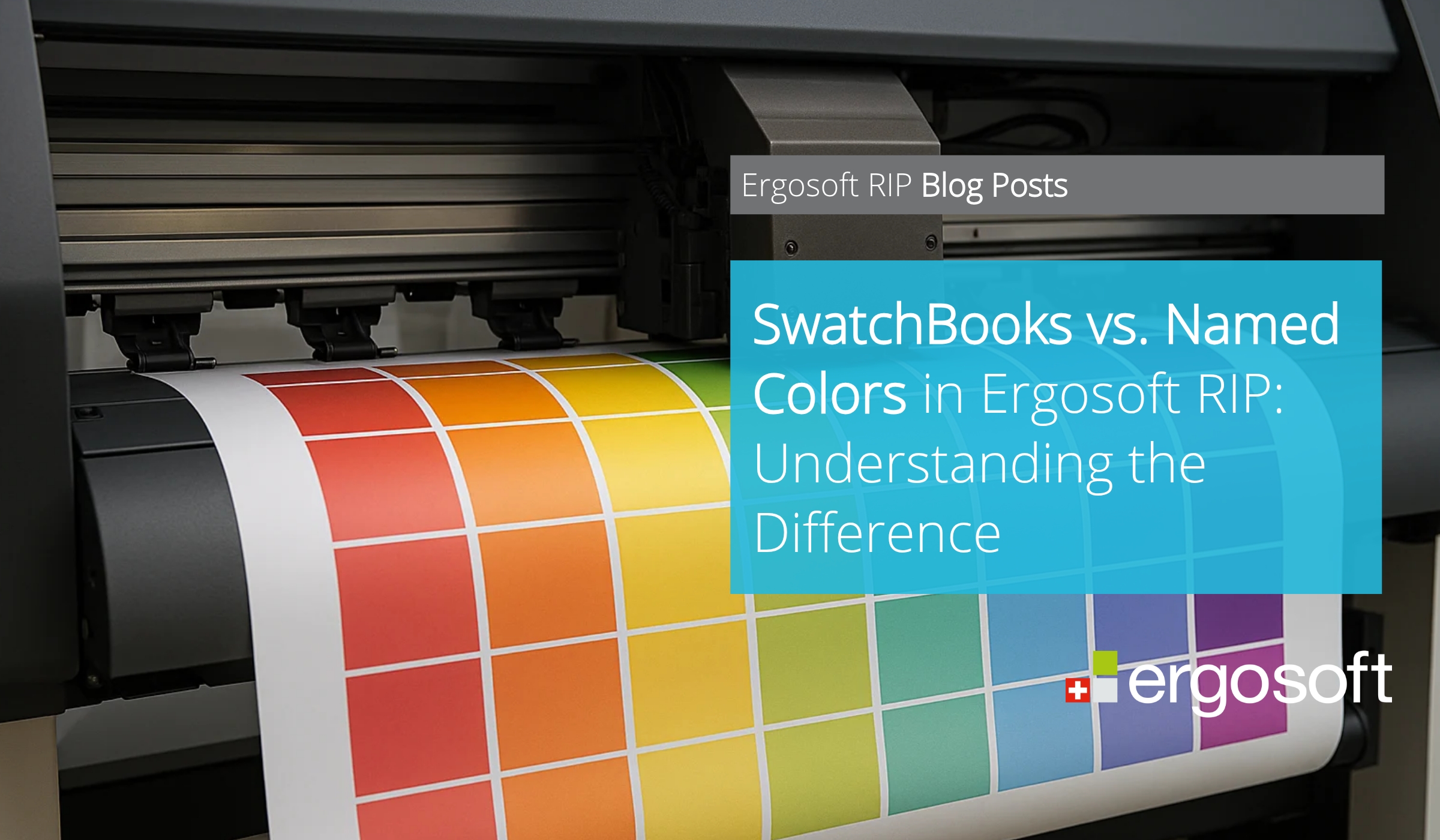
In professional print production, consistent and predictable color handling is essential. Ergosoft RIP provides two complementary tools for managing colors efficiently: SwatchBooks and Named Colors. Understanding how they differ helps operators choose the right approach for reference, color control, and accurate output.
Key Takeaways
• SwatchBooks are structured collections of color samples used as visual references.
• SwatchBook reference colors are defined in the device-independent Lab color space or as spectral colors.
• Named Colors are individual, clearly defined colors used for precise color control.
• Named Colors are device-dependent print color formulas that allow for fine-tuning directly in the native printer’s color channels.
• SwatchBooks help compare and evaluate colors across systems and substrates.
• Named Colors are especially important for Spot Color workflows.
• Both features work together to improve color consistency in print jobs.
What Are SwatchBooks in Ergosoft RIP?
SwatchBooks are collections of Lab or spectral color samples that represent specific color standards or palettes. They can include a wide range of colors and are often organized by color families or color systems, such as standardized industry palettes.
In Ergosoft RIP, SwatchBooks are primarily used as a reference tool. They allow users to visually inspect and compare colors before printing. SwatchBooks can be printed to verify that the output matches the intended appearance, which is especially helpful when evaluating substrates, inks, or printer behavior.
SwatchBooks can also be created from user-defined colors or imported from existing color libraries. This makes them a flexible option for building custom reference sets tailored to specific production needs.
SwatchBooks can be exported to common color library formats and used in design software. They serve as a color communication interface between designers and print service providers.
What Are Named Colors?
Named Colors refer to individual colors that are defined and labeled within the RIP. Unlike SwatchBooks, which group many colors together, a Named Color represents a single, clearly identified color value.
Named Colors can be part of a SwatchBook, but they can also exist independently. Their main purpose is precise color control. By assigning a specific name to a color, users can easily recognize, manage, and reuse it across different print jobs.
This approach is particularly useful when a color must remain consistent, regardless of the source file or application that created it.
How Named Colors Support Spot Color Printing
Named Colors are often used in Spot Color printing workflows, where exact color matching is required. In these scenarios, a specific color must be reproduced reliably, without being altered by general color conversions.
Named Colors are pre-converted into the final printer's color space, which allows for further fine-tuning of the actual print color formulas.
By working with Named Colors, operators can replace or manage colors in incoming designs directly within Ergosoft RIP. This ensures that the intended color is printed consistently, even if the original file uses different color definitions or values.
This makes Named Colors an effective tool for controlling critical brand colors or special production colors.
SwatchBooks vs. Named Colors: How They Work Together
SwatchBooks and Named Colors serve different but complementary roles in color management. SwatchBooks provide a broader overview by presenting many colors in a structured way, making them ideal for comparison, visual evaluation and color standard communication.
Named Colors focus on precision and control in printing. They allow users to target specific colors and manage them consistently across multiple jobs.
In practice, SwatchBooks help users choose and evaluate colors, while Named Colors ensure that selected colors are reproduced accurately during production.
FAQ
What is the main purpose of a SwatchBook?
A SwatchBook is used as a visual reference to view and compare multiple colors, often organized by standards or palettes.
Can Named Colors be part of a SwatchBook?
Yes. Named Colors can be included in a SwatchBook, but they can also exist independently.
When should I use Named Colors instead of a SwatchBook?
Named Colors are best used when precise and repeatable color output is required, such as in Spot Color printing.
Do SwatchBooks replace Named Colors?
No. SwatchBooks and Named Colors serve different purposes and are most effective when used together.